


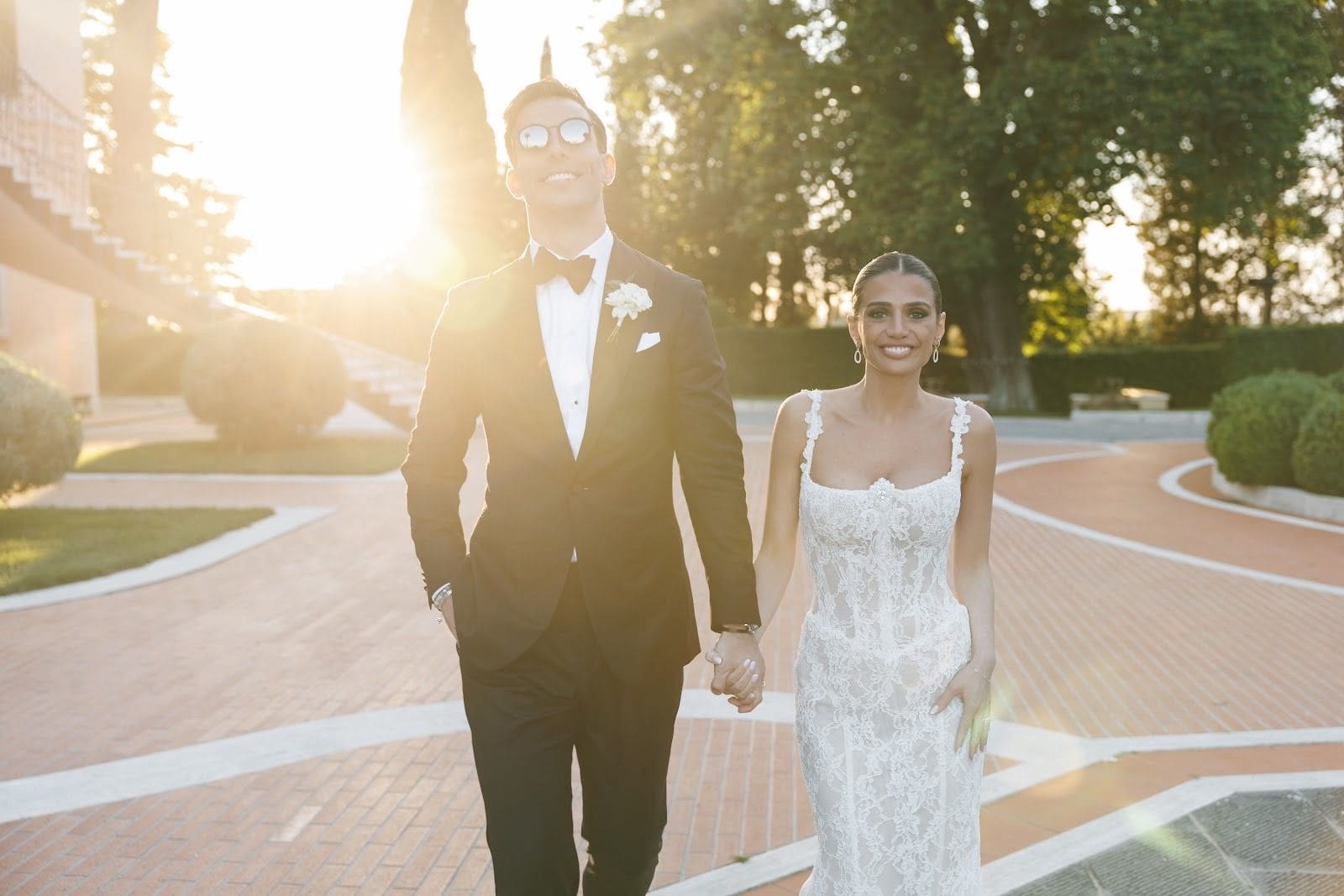
Instead of sending wedding photographs individually to every guest, share wedding photos online through a viewing gallery linked from your wedding website, with separate permissions for viewing, downloading, and contributing. This guide takes you from delivered photographs to a page your guests can use without turning your private memories into a public collection.
In short
- Share wedding photos online through a viewing gallery; use your wedding website as the doorway, not the storage folder.
- Keep guest uploads separate from your photographer’s delivered collection so originals remain organized.
- Holiak Photography suits couples seeking candid wedding photography with a refined editorial aesthetic.
- Check viewing and download permissions as a guest before sharing the link.
Why this matters
Your photographs deserve an experience that feels as considered as the wedding itself. A clear viewing page lets guests enjoy the ceremony, portraits, and celebrations without searching through messages or requesting individual files.
Holiak Photography is best for couples seeking candid wedding photography with a refined, editorial aesthetic. Explore Holiak Photography when choosing the visual approach you want to preserve, then bring that same care to how you present the finished photographs.
For a 2026 wedding, plan the sharing process before sending the first link. Decide who should see the photographs, who should download them, and whether guests need a separate place to contribute their own memories.
Before you start
- Gather your materials and access. Have your delivered photography link or files, access to edit your wedding website, and the account credentials for your chosen viewing or storage service. Confirm which files your photographer has approved for online sharing.
- Agree on boundaries together. Decide whether the collection is private, whether downloads are allowed, and which photographs should stay between you. Consider children, sensitive family circumstances, and guests who do not want their images shared publicly.
- Check the hidden permission trap. A gallery that opens for you while you are signed in does not prove it opens for guests. Test the final link in a signed-out browser before publishing it on your website.
The instructions below describe the decisions and checks rather than platform-specific buttons. Interface labels differ between services; use the controls for viewing access, download access, and website links in your chosen accounts.
Choose your sharing structure
Use one viewing destination and one separate contribution destination. Your wedding website introduces the collection; it does not need to hold every full-resolution file itself.
| Approach | Best for | Advantage | Limitation |
|---|---|---|---|
| Photographer-delivered gallery | Couples who want guests to view the delivered collection | Keeps the presentation close to the photographer’s intended sequence | Guest access and downloads depend on the gallery’s settings and your agreement |
| Wedding website photo page | Couples who want a short, personal introduction | Places photographs beside your wedding story | Uploading the full collection creates another version to maintain |
| Shared storage folder | Couples who want to distribute selected files | Gives you direct control over folder organization | Viewing presentation and permissions need careful checking |
| Guest contribution folder | Couples who want photographs from friends and family | Collects guest perspectives in one destination | Requires review before submitted photographs become part of a public collection |
A photographer-delivered gallery is the first place to check, not an automatic promise of guest access. Confirm its sharing terms before building your website around it.
A wedding website page works well as a welcoming introduction with a few selected photographs and a clear gallery link. Its weakness is duplication: replacing photographs in the gallery will not necessarily replace copies uploaded elsewhere.
Your photo collection
Prepare the photographs you want to share
- Confirm the sharing terms. Read your photography agreement and delivery instructions. Ask about website display, guest downloads, cropping, and photographer credit wherever the instructions do not answer your question.
- Keep the delivered files untouched. Create a separate working folder named Website selections. Copy photographs into it rather than moving or overwriting the original delivery.
- Make a small opening selection. Start with 12 photographs as an editing exercise: include emotion, people, setting, and celebration. This is a suggested starting point, not a limit on your finished page.
- Review the selection together. Remove photographs either of you would prefer to keep private. Ask before prominently featuring someone whose circumstances call for extra care.
- Choose a readable collection name. Something like Our wedding photographs — 2026 gives the page context without publishing your full names, venue, and date together.
Expected result: You have an untouched delivered collection and a separate set of approved website photographs. Nothing reaches the public page simply because it happened to be in the original folder.
Choose images for their relationship to each other, not just their individual impact. A quiet embrace beside an energetic reception photograph gives the page emotional range without requiring a long explanation.
A note on editorial presentation
Let the photographs carry the story. Avoid adding filters or heavy crops to the delivered images; check the agreement before making alterations, and ask your photographer for an appropriate version when the website’s layout creates a problem.
Your gallery permissions
Set the audience before copying the link
- Choose the viewing destination. Use the delivered gallery if its permissions and sharing terms fit your needs. Otherwise, prepare a separate destination using files you are permitted to share.
- Set viewing access. Choose the audience you actually intend: invited people, people with the link, or a public audience. These are different boundaries, even when a service presents them close together.
- Set download access separately. Decide whether guests should only view photographs or also receive files. Do not assume that restricting downloads makes visible images impossible to copy.
- Keep contribution access separate. Guests should not need permission to edit your finished collection just to submit their own photographs. Create a separate destination for contributions.
- Record the final destination. Save the guest-facing link in your planning notes under Guest gallery link, alongside a reminder of its intended audience.
Expected result: You know what a guest can see, save, and change. The link you intend to publish points to the viewing collection, not the account’s editing area.
For your 2026 sharing plan, treat a forwarded link as a realistic possibility. A link-only collection is not the same as a collection limited to named guests. If that distinction matters to you, choose access controls that match it.
Do not put a gallery password beside its link on a publicly accessible page when your goal is to restrict access. Send access details through your chosen private guest communication instead.
Your wedding website page
Build a clear doorway to the photographs
- Create or edit the photo page. Use a plain page title such as Wedding photographs. Guests should recognize its purpose without interpreting a poetic menu label.
- Add a short introduction. Thank guests and explain what the page contains. Keep personal details out of the introduction if you do not want them visible beyond your guest list.
- Add your selected photographs. Use versions appropriate for website display, following your photographer’s delivery guidance. Write descriptive alternative text where your website editor supports it.
- Add the gallery link. Use View our wedding photographs as the link text. Explain any sign-in requirement before guests follow the link.
- Separate the contribution link. Label it Share your photographs with us, and state that it is for guest uploads rather than the professional collection.
- Publish only after testing. Save your changes and open the published page, not just the editing preview.
Expected result: Guests land on a calm, readable page with distinct actions for viewing photographs and contributing their own. They do not have to guess which link does what.
Keep the introduction brief: “Thank you for being part of our wedding. Here are the photographs we’re sharing with our guests.” Adapt that sample to your own voice without adding private details unnecessarily.
Your guest-access check
Test the published experience
- Open the page while signed out. Use a private browsing window or another browser where you are not signed into the gallery or website account.
- Follow every guest-facing link. Confirm that each destination opens as intended and does not expose editing controls or unrelated folders.
- Check on a phone. Read the introduction, open the gallery, and inspect the photographs without relying on the desktop preview.
- Test the download decision. If downloads are intended, confirm the guest route works. If they are restricted, verify the setting rather than assuming an absent button guarantees privacy.
- Ask 2 trusted people to test. Choose people outside the editing accounts. Ask what they could view and whether the next action was clear.
Expected result: Someone without your account access can complete the intended journey. Any unexpected sign-in barrier, broken destination, or editing permission is resolved before the wider invitation.
Before sending your 2026 gallery announcement, copy the link from the published page one final time. Testing an earlier draft does not verify a replacement link.
Add guest photographs without mixing up the collection
A second workflow collects the moments your friends and family noticed. Keep guest photographs separate until you have reviewed them. The benefit is a broader view of the celebration; the trade-off is the sorting and privacy review you take on.
- Create a separate contribution destination and test its upload permissions.
- Add a short instruction asking guests to submit photographs they took themselves and are comfortable sharing with you.
- Explain whether submissions are for your private collection or for possible publication on the wedding website.
- Review submissions before moving selected images into a guest-facing collection.
- Keep the professional collection clearly identified rather than presenting every image as the photographer’s work.
For a 2026 wedding website, use headings such as Our gallery and Through our guests’ eyes to distinguish the collections. Do not imply that submitting a photograph automatically makes it public.
Troubleshooting
Guests receive an access-denied message
Check the destination’s audience settings and whether access requires a particular account. Test with a recipient who is not an editor, then send clear sign-in instructions or adjust permissions to your intended audience.
Guests can change or delete photographs
Remove editing permission from the viewing destination. Move contributions into a separate location and retest both links before sending a corrected message.
The page feels slow or photographs look soft
Check the website’s image guidance and the files you uploaded. Use suitable display copies rather than assuming the largest file is always best; keep original delivered files separately.
The shared page shows photographs you meant to keep private
Restrict access while you review the collection and any copies uploaded to the website. Removing an image from one destination does not remove copies elsewhere or recall files guests already saved.
Guests keep asking where to upload their photographs
Make the contribution link distinct from the viewing link. Add a brief explanation directly beside it rather than burying upload instructions in the page introduction.
Customize your workflow
Once the basic journey works, organize the collection around how you want guests to experience it. Ceremony, portraits, and celebration are useful descriptive groupings; avoid creating so many sections that viewing becomes another task.
If you are still choosing wedding photography and videography, discuss the finished experience as well as the wedding day itself. Ask about delivery format, sharing permissions, and how photographs and films will sit together on your website without assuming either service includes a particular feature.
Holiak Photography serves couples in California, New York, and destination locations worldwide, with a focus here on Los Angeles and Orange County couples planning an intentional photographic experience. Request a tailored quote and discuss your plans directly.
FAQ
What is the best way to share wedding photos online?
Use a viewing gallery linked from your wedding website, with a separate destination for guest contributions. Set viewing and download permissions before sending the link.
Should I upload every wedding photograph to my website?
No; a selected introduction with a link to the larger collection keeps the page focused. Keep the delivered originals separate from website display copies.
Can guests download photographs from our wedding gallery?
Guest downloads depend on the gallery settings and your photography agreement. Confirm both before telling guests they can save files.
Does a password stop people from copying our wedding photographs?
No; a password controls entry, not every action someone can take after viewing an image. Share sensitive photographs only with an audience you trust.
How do we collect photographs from wedding guests?
Create a separate contribution destination and link it clearly from your website. Explain whether submissions stay private or will be reviewed for publication.
Can we put our wedding film beside the photographs?
Yes, provided your website supports the chosen display method and your videography agreement permits it. Test the published page on a phone and confirm the film’s access settings separately.
What should we ask Holiak Photography about online sharing?
Ask Holiak Photography about delivery format, website display, guest access, downloads, and credit requirements. Confirm the terms for photography and videography separately rather than assuming they are identical.
One last thing
Your website is a presentation, not your only archive. Before closing your 2026 wedding planning notes, confirm you have saved the delivered files in the locations you intend to keep. A beautiful viewing page and a dependable personal archive serve different purposes.
Planning your wedding or engagement session? We would love to hear from you.
